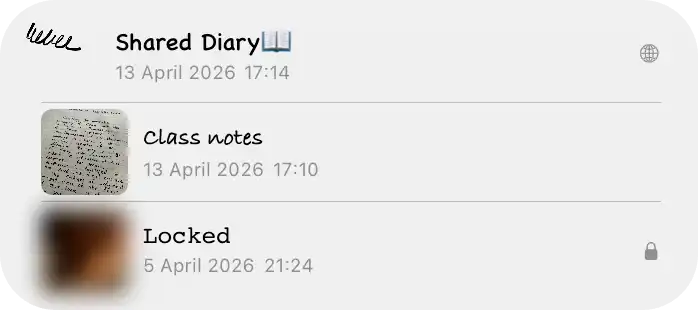
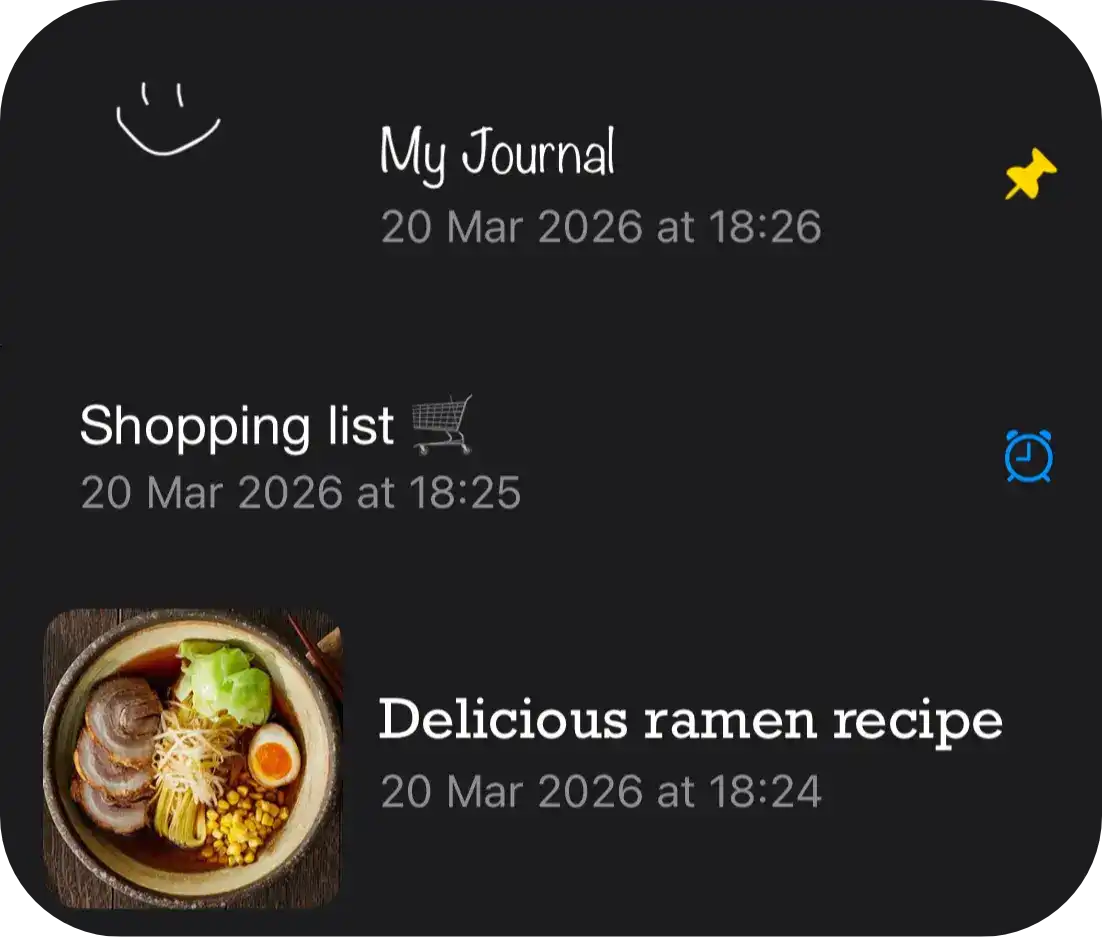
Browse &
Share
Notes
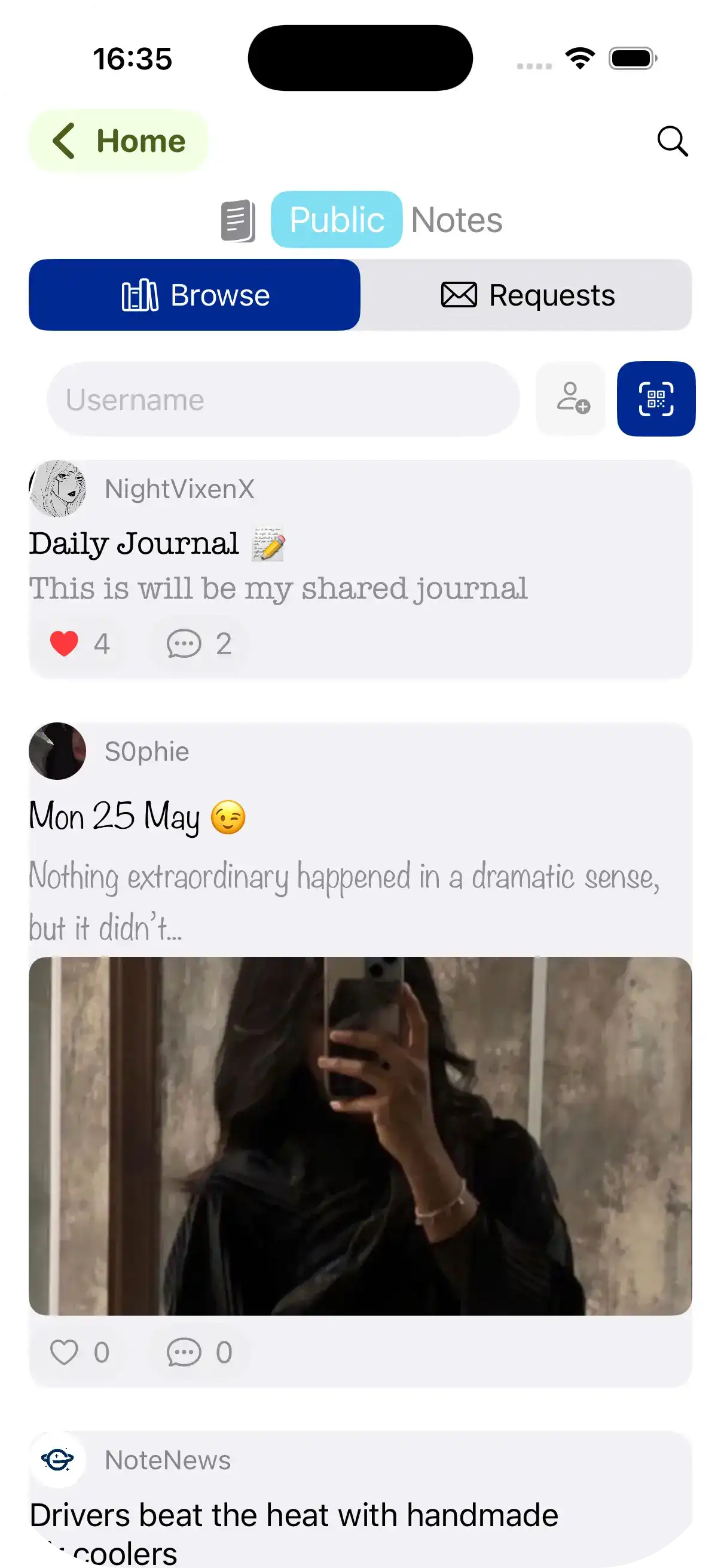
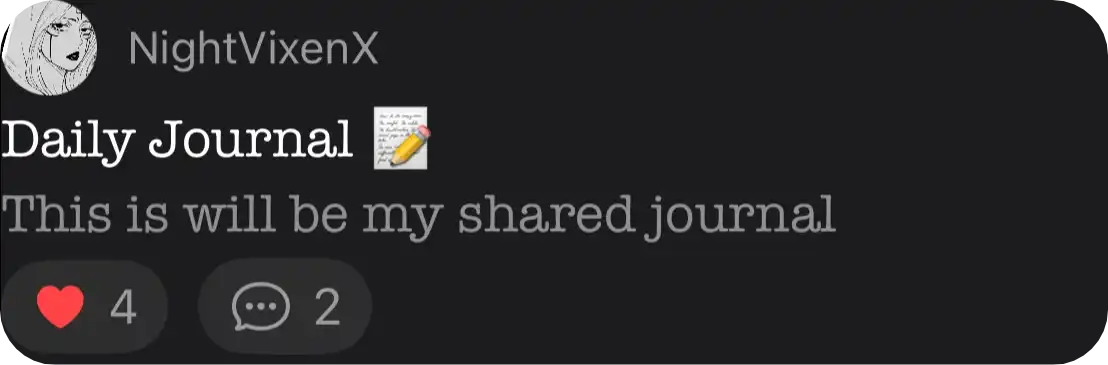
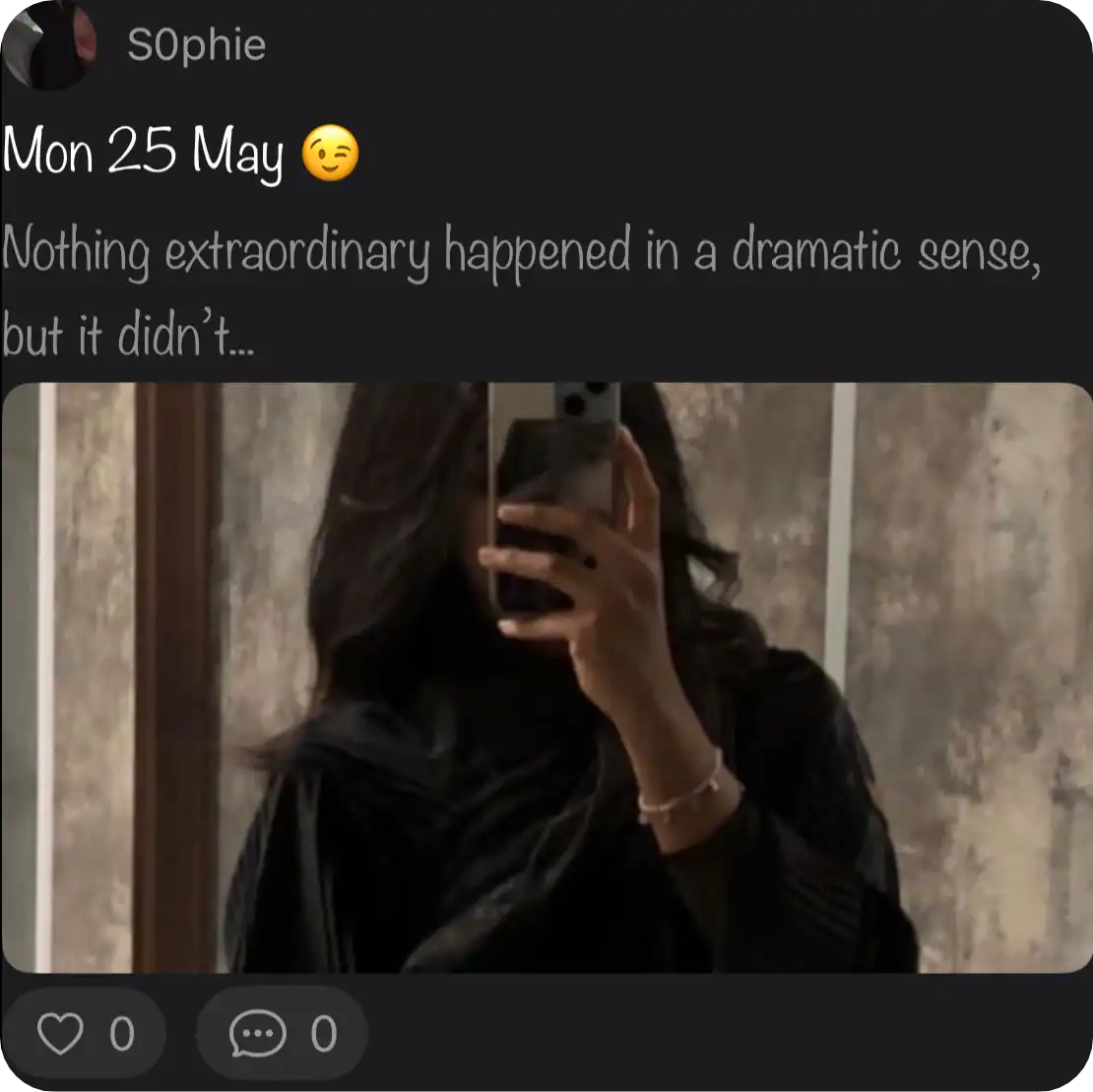
Connect with People, See Their Notes!





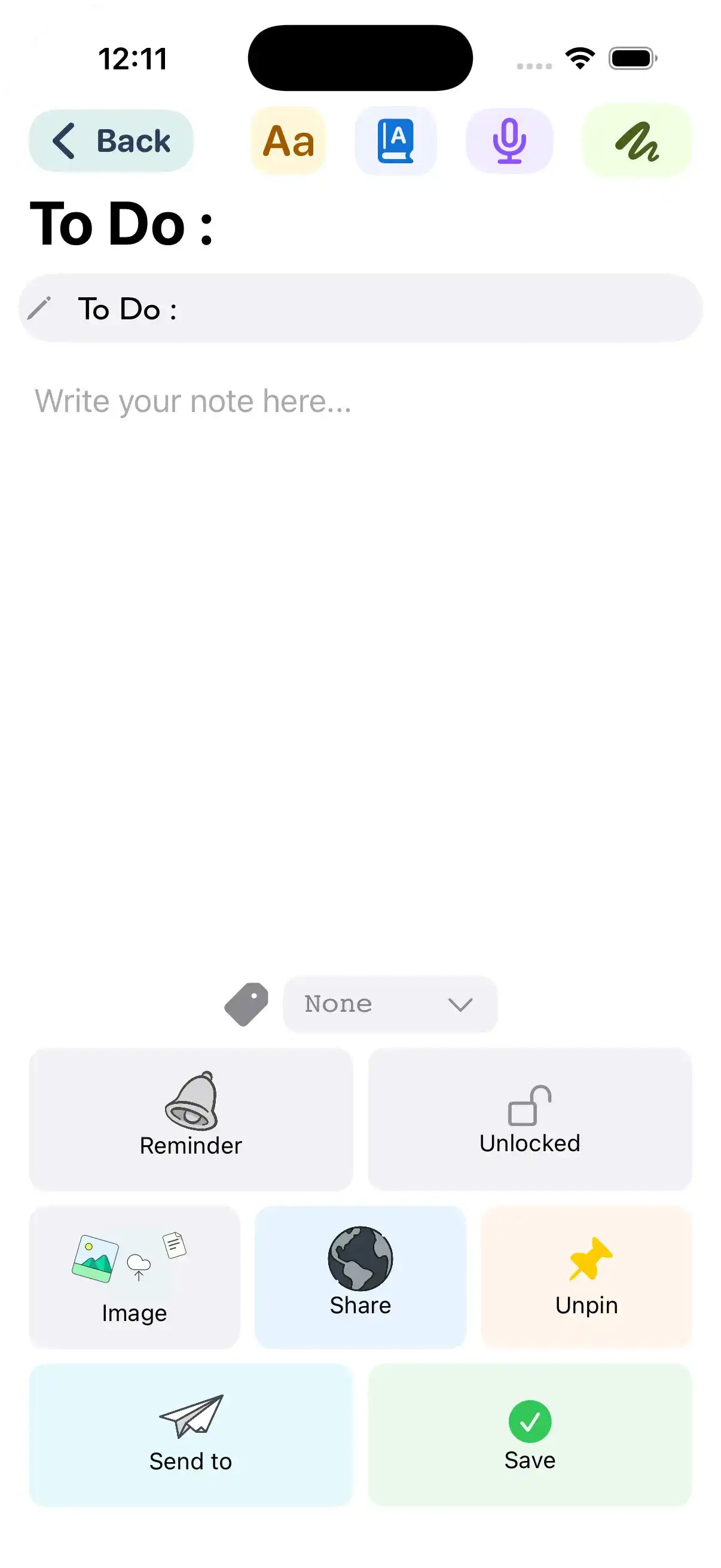
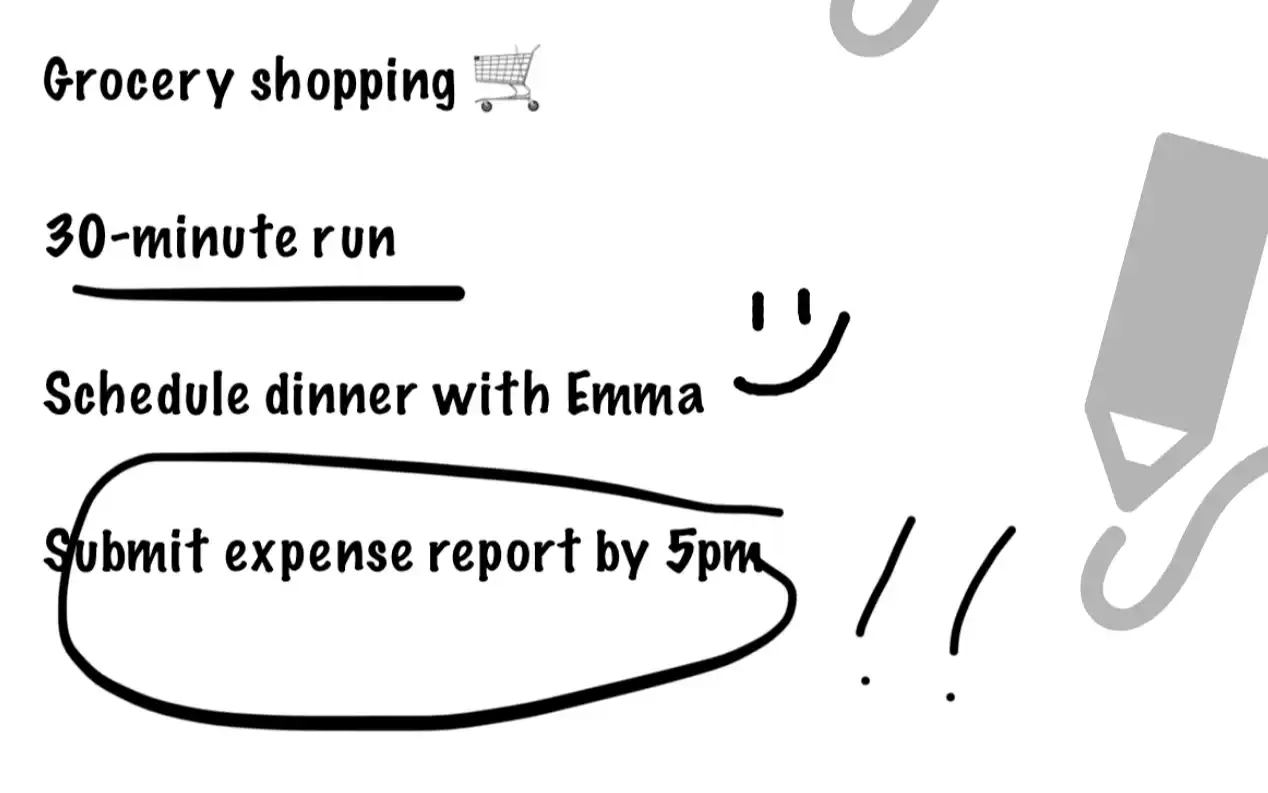



Track your habits and never miss a moment.


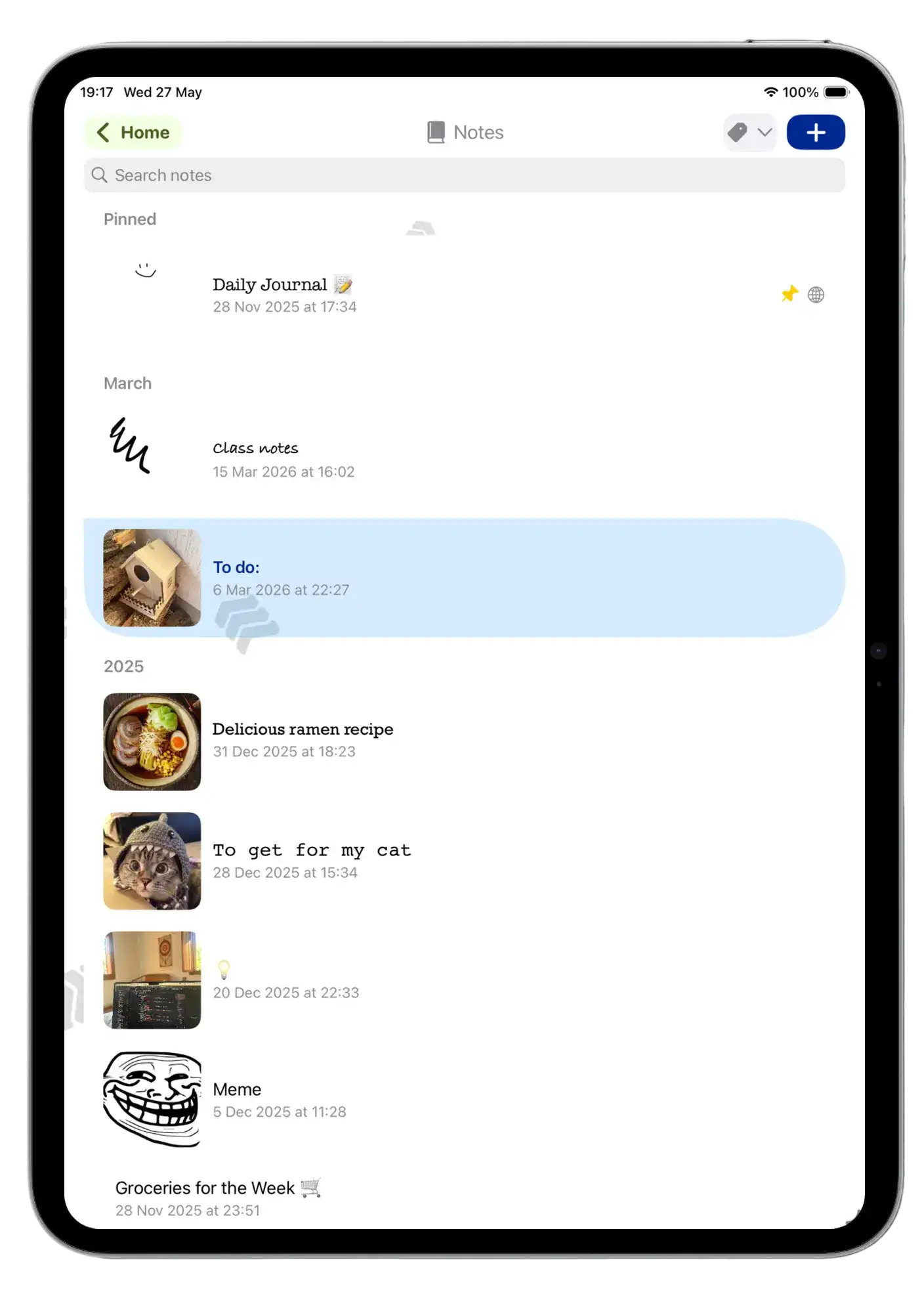
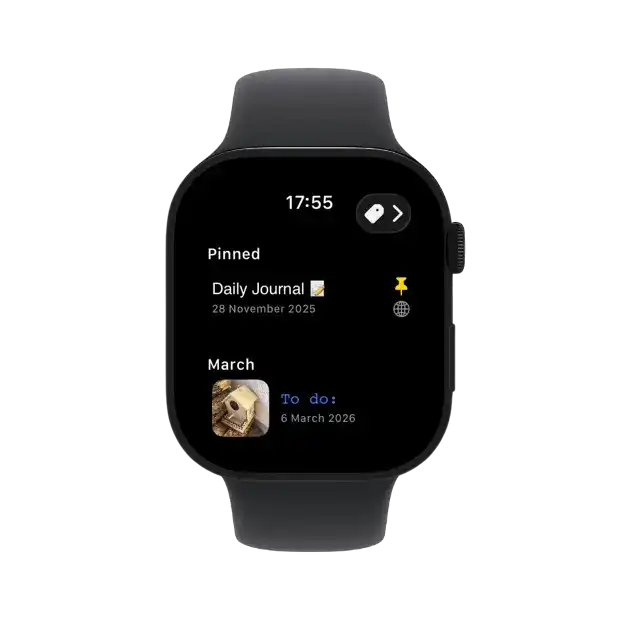
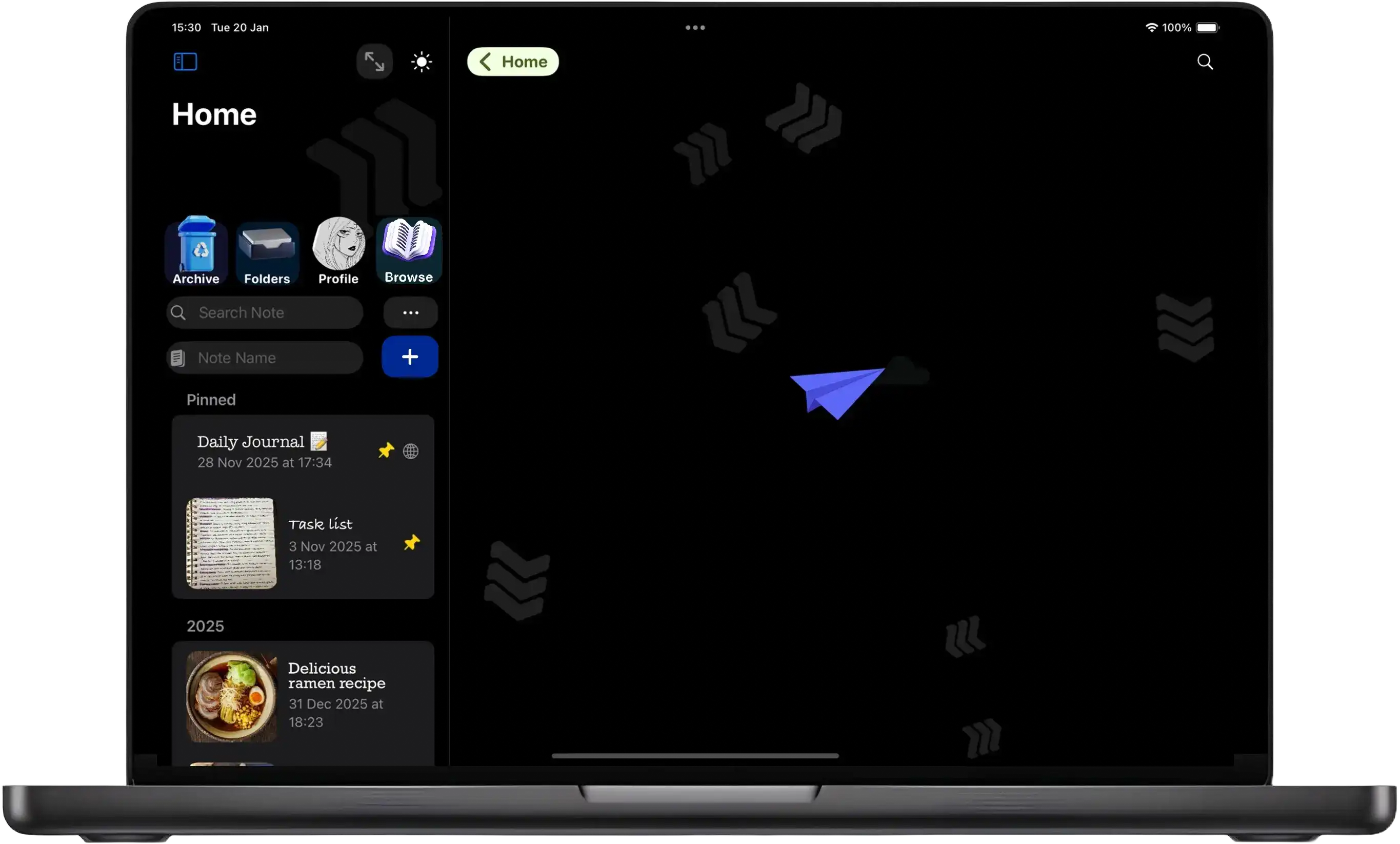
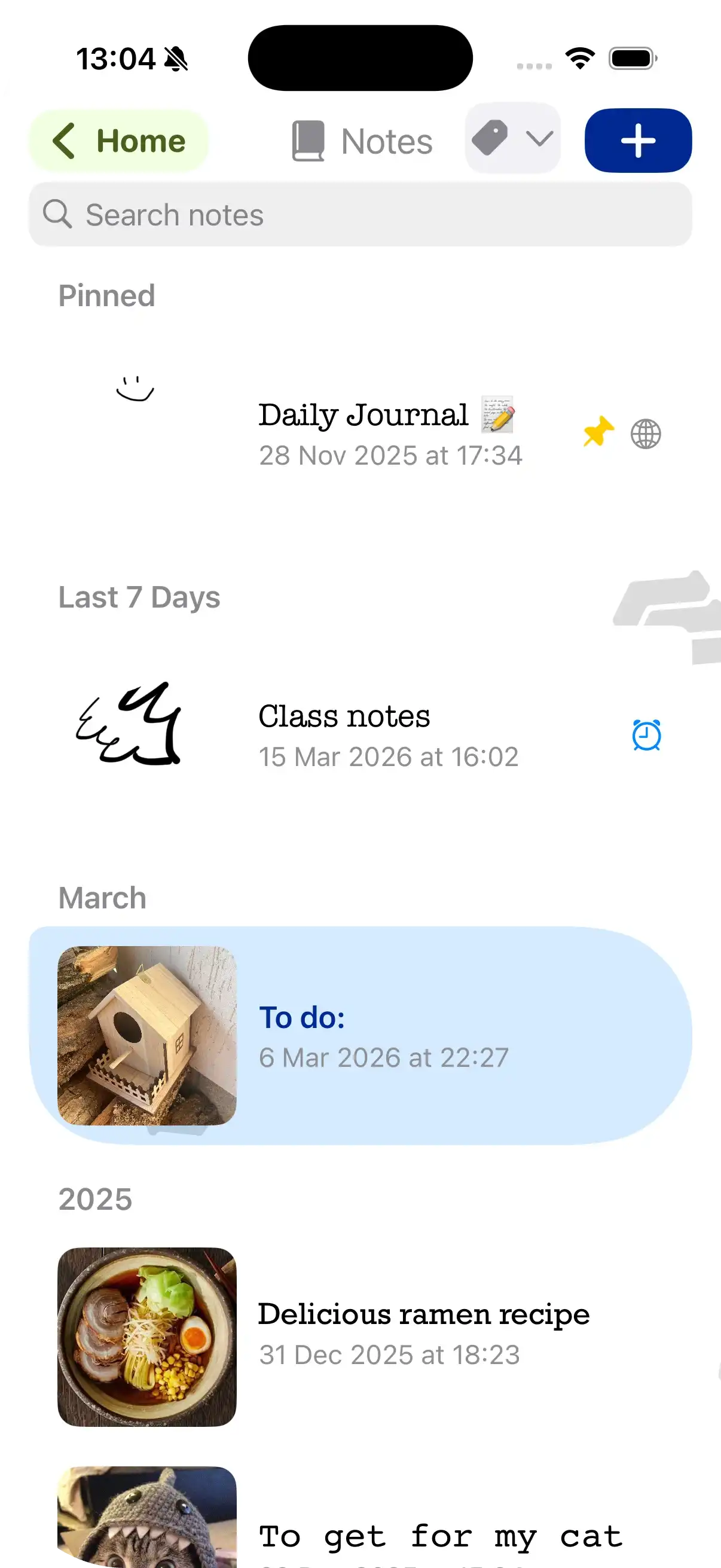
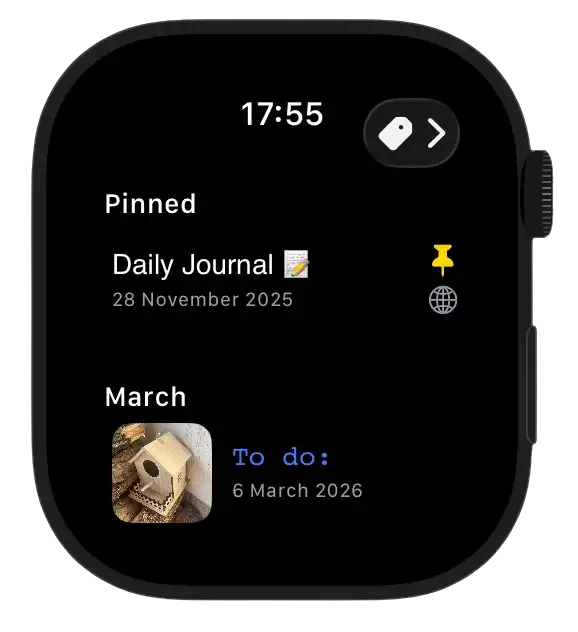
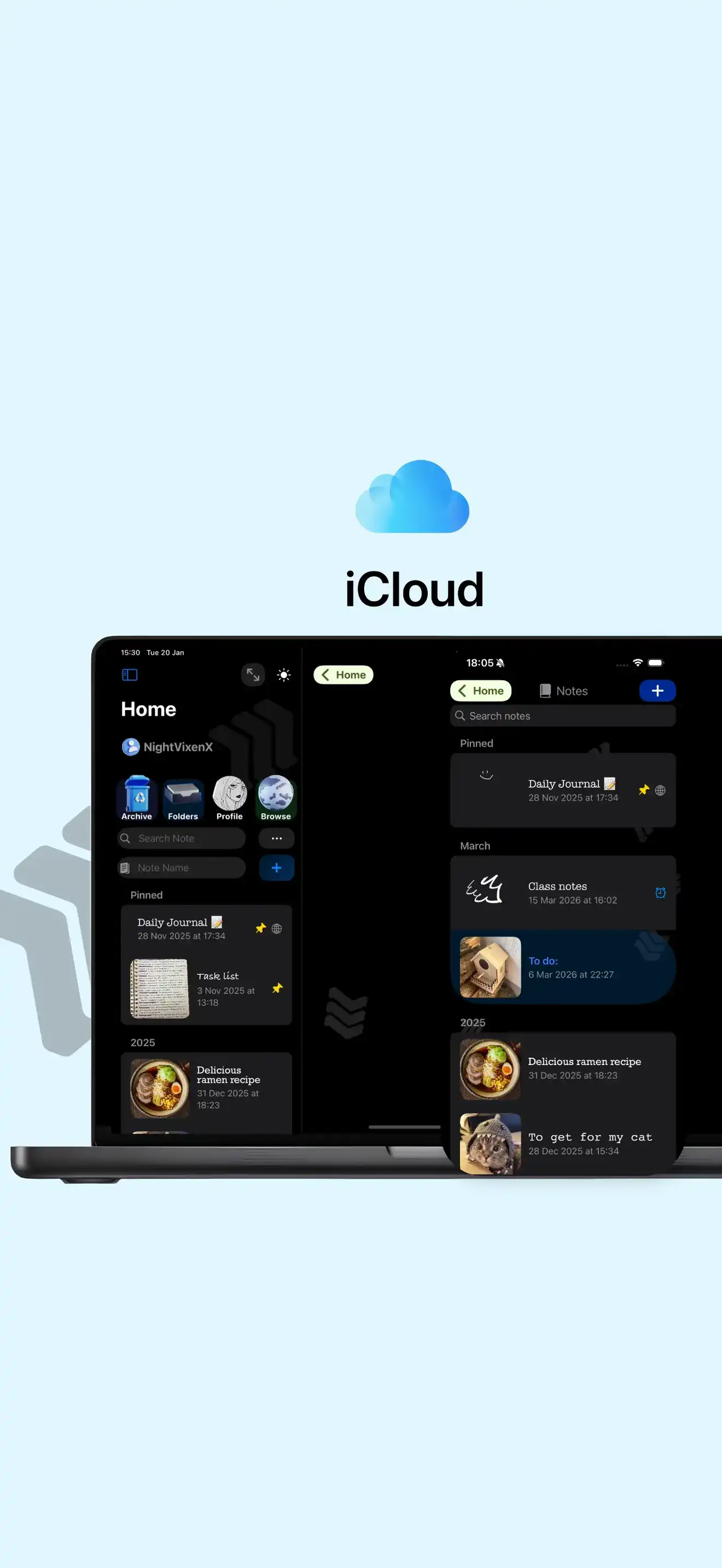
Access all your personal and public notes on every iCloud device with no storage limits.
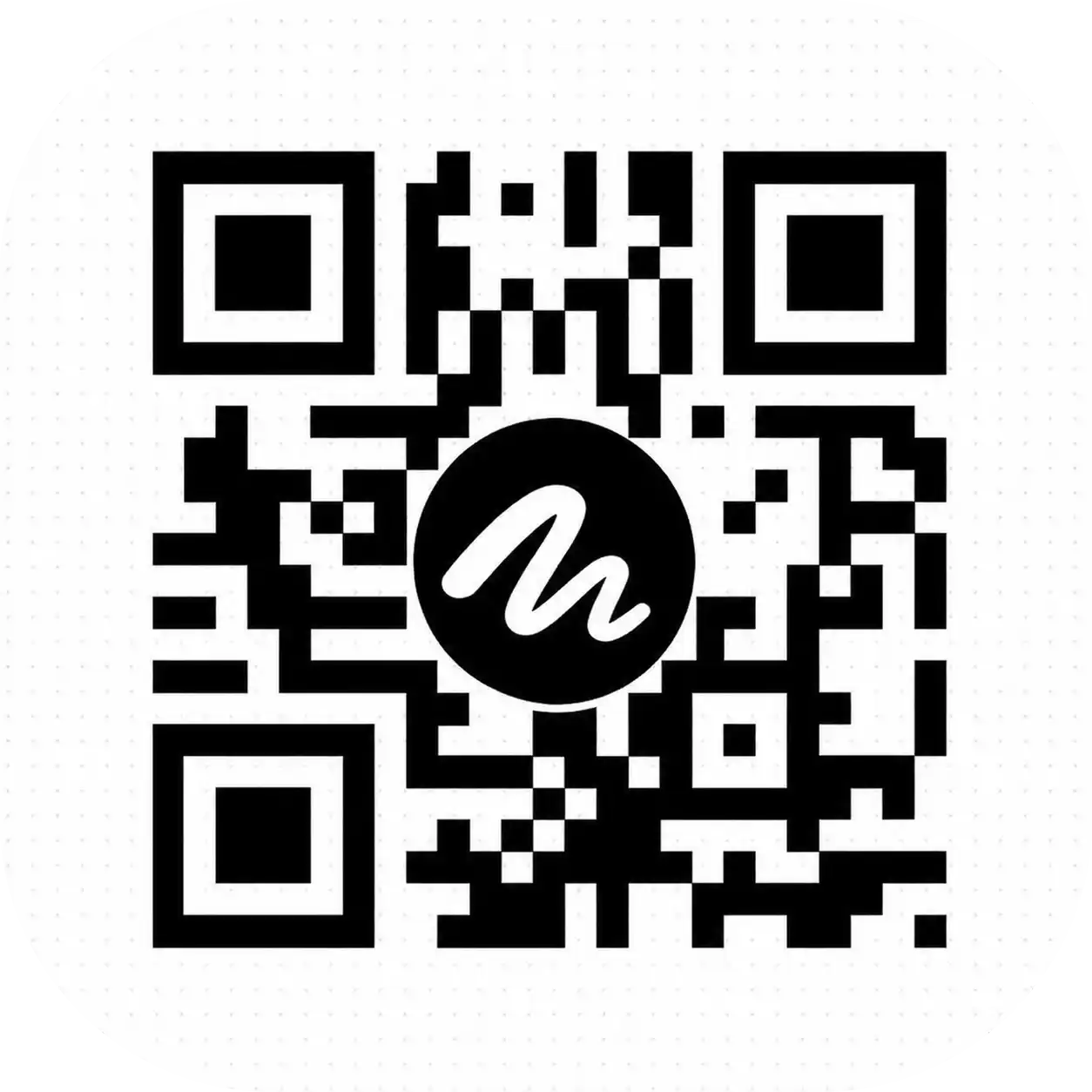
Share your Personal QR code to let people easily invite you.
All your notes are fully encrypted and stored locally.
NO data is collected, and all shared content remains uncensored.


@stphanielim_
"Very useful app and easy to use, it makes taking notes so easy and fun! Love it"


"I like using the app.Straightforward and generally reliable"

iperkk
"Noteblocks makes taking and sharing notes super easy. The interface is clean, syncing works flawlessly, and it’s great for collaborating with friends or colleagues. Highly recommend!"
@stphanielim_
"Very useful app and easy to use, it makes taking notes so easy and fun! Love it"
"I like using the app.Straightforward and generally reliable"
iperkk
"Noteblocks makes taking and sharing notes super easy. The interface is clean, syncing works flawlessly, and it’s great for collaborating with friends or colleagues. Highly recommend!"

Yes, you can use the app for free, but you need active subscription to add Friends or see public Journals and interact with other people.